Editing a recurrent event
After creating a recurrence, you are limited to how you can edit and update the events.
To extend the number of recurrences you will need to duplicate a single event and set a new recurrence.
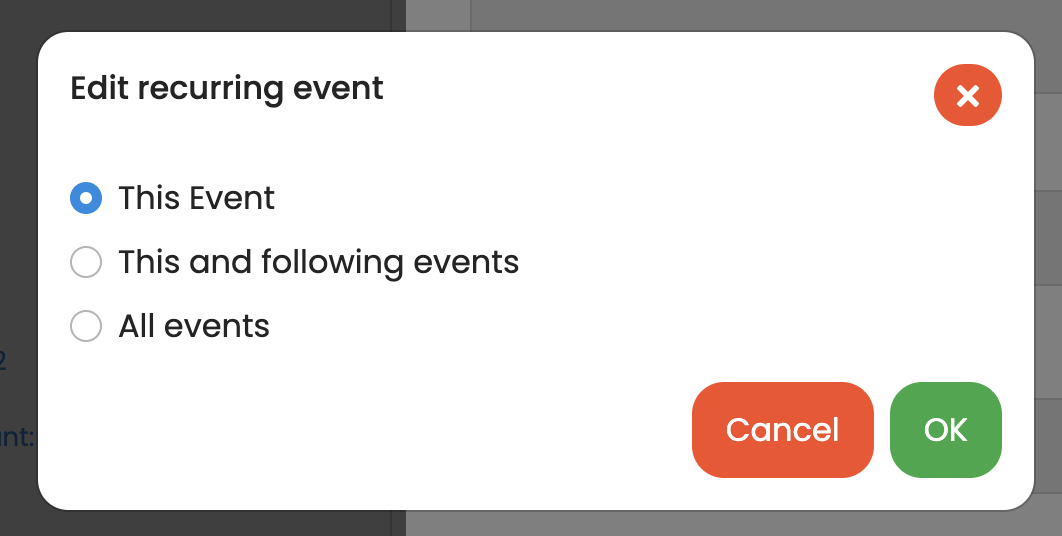
To edit a single event from a recurrence, select the event you would like to edit, make your changes, when saving select 'This Event'
To edit events from a specific event onwards you would edit that particular event, when saving select 'This and following events'
To edit all events in a recurrence, select any event from the recurrence, select 'All Events' when saving.
To edit events from a specific event onwards you would edit that particular event, when saving select 'This and following events'
To edit all events in a recurrence, select any event from the recurrence, select 'All Events' when saving.

Once an event has been edited and removed from a recurrence, editing the recurrence itself will not affect it.

Edits to events or recurrence should not affect your sales and statistics, if you notice a change in stats after making edits please contact your account manager.